Upgrade Plan
You can try almost every feature with the free plan, but it will be valid for only 14 days in the trial plan.
For using myconfig.store in production, you should upgrade to any of the paid plans, though DEV plan is recommended.
Let's learn how to upgrade to a paid plan.
Important: Please read and make sure you fully understand our refund and cancellation policy before making any payments.
Billing#
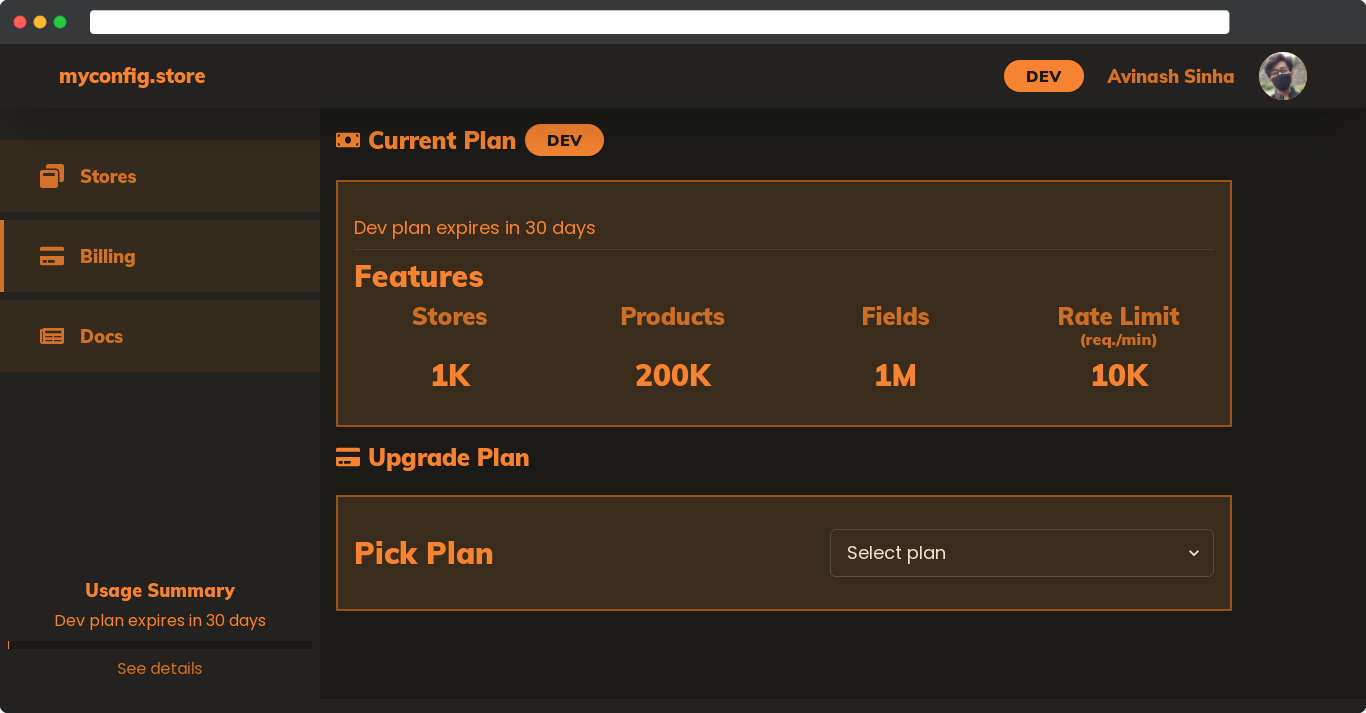
To upgrade to a paid plan, go to the billing page.
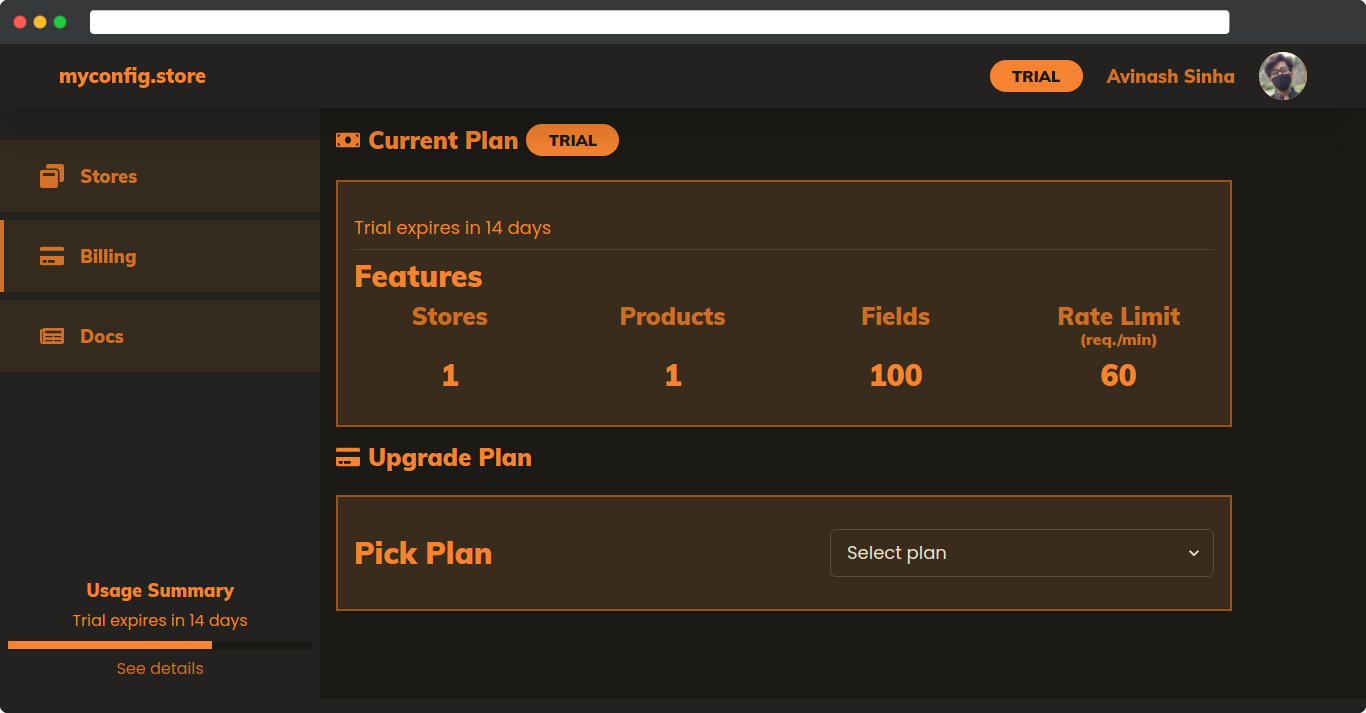
In this page, you can see the details and status of your current plan and also upgrade to a new plan.
Pick a plan#
Pick a plan from Upgrade Plans options and see its details and price.
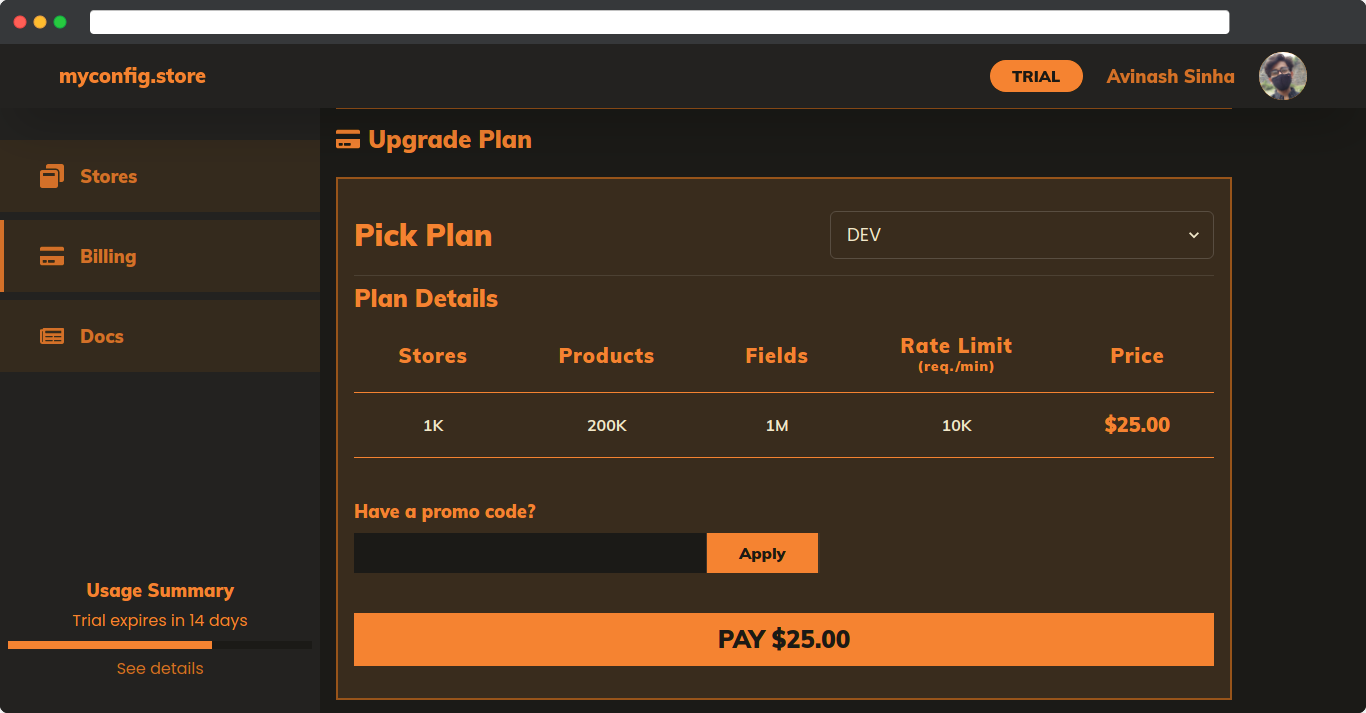
Note: You can enter a promo code if available and click on the Apply button. If the code is valid, the discount with the promo code will be applied to the payable amount instantly.
After picking the plan you want to upgrade to, click on the Pay button.
Verify payment#
After clicking on the Pay button in the billing page, you will be redirected to the payment page where you can verify the payment details before finally making the payment.
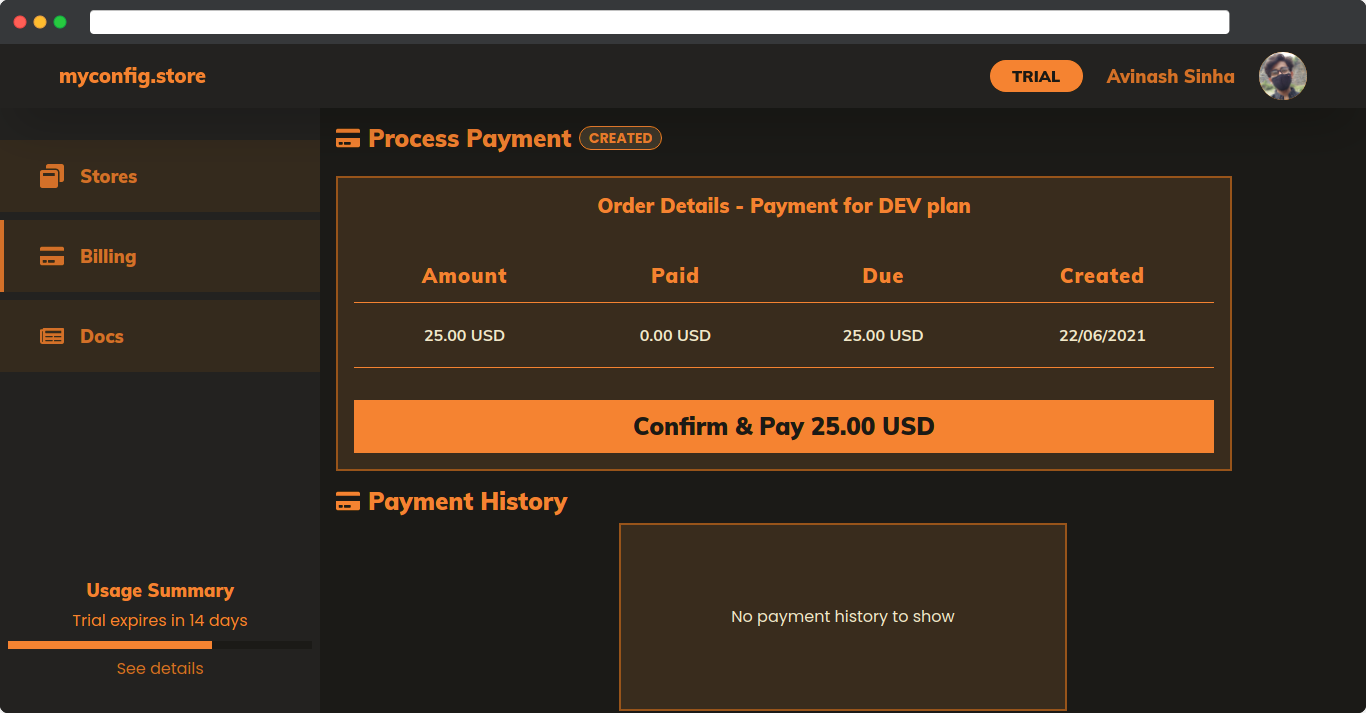
After reviewing, click on the Confirm & Pay button and pay the amount with any payment mode available for you.
If the payment is successful, you will be redirected back to the billing page where you can confirm that you have been upgraded to the plan you selected and paid for.
Note: In case your payment goes though but somehow we can't verify the payment, your payment will be refunded in 4-7 working days. You can contact us through email if you don't get the refund.
Usage#
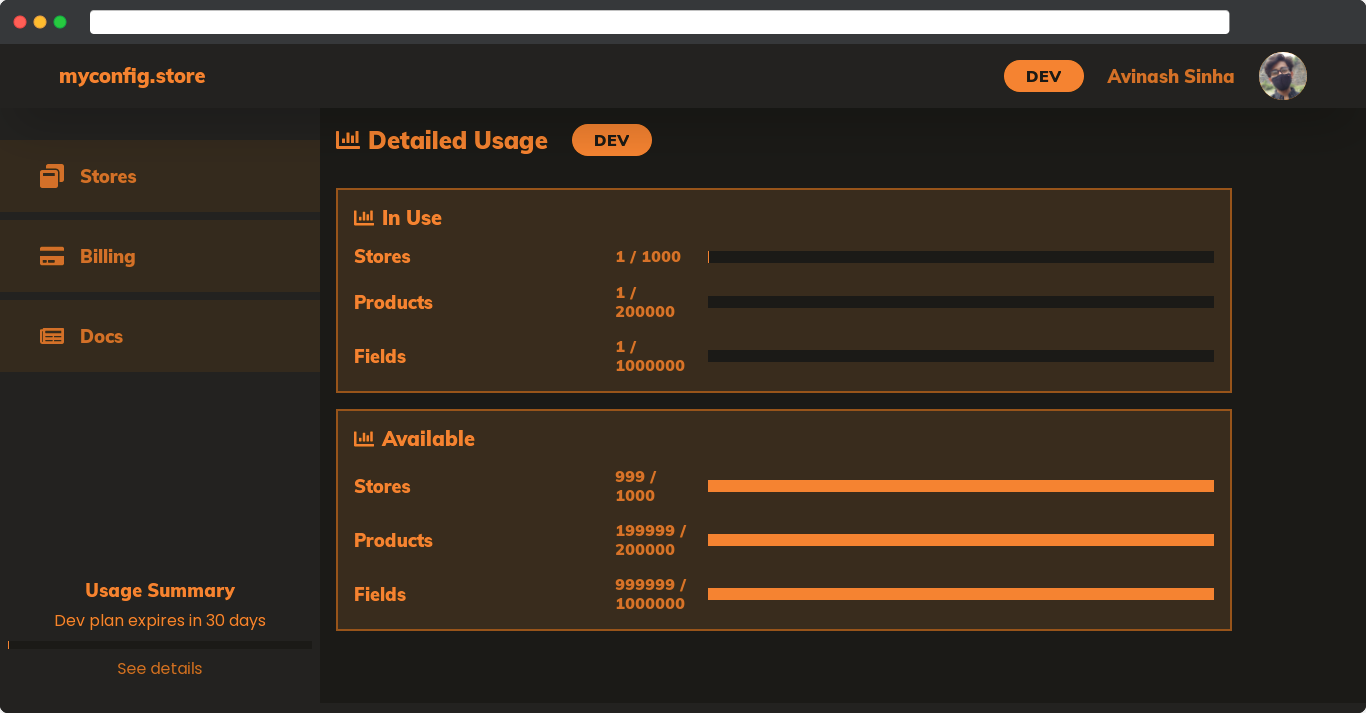
You can see your usage details by going to the usage page.
Payment History#
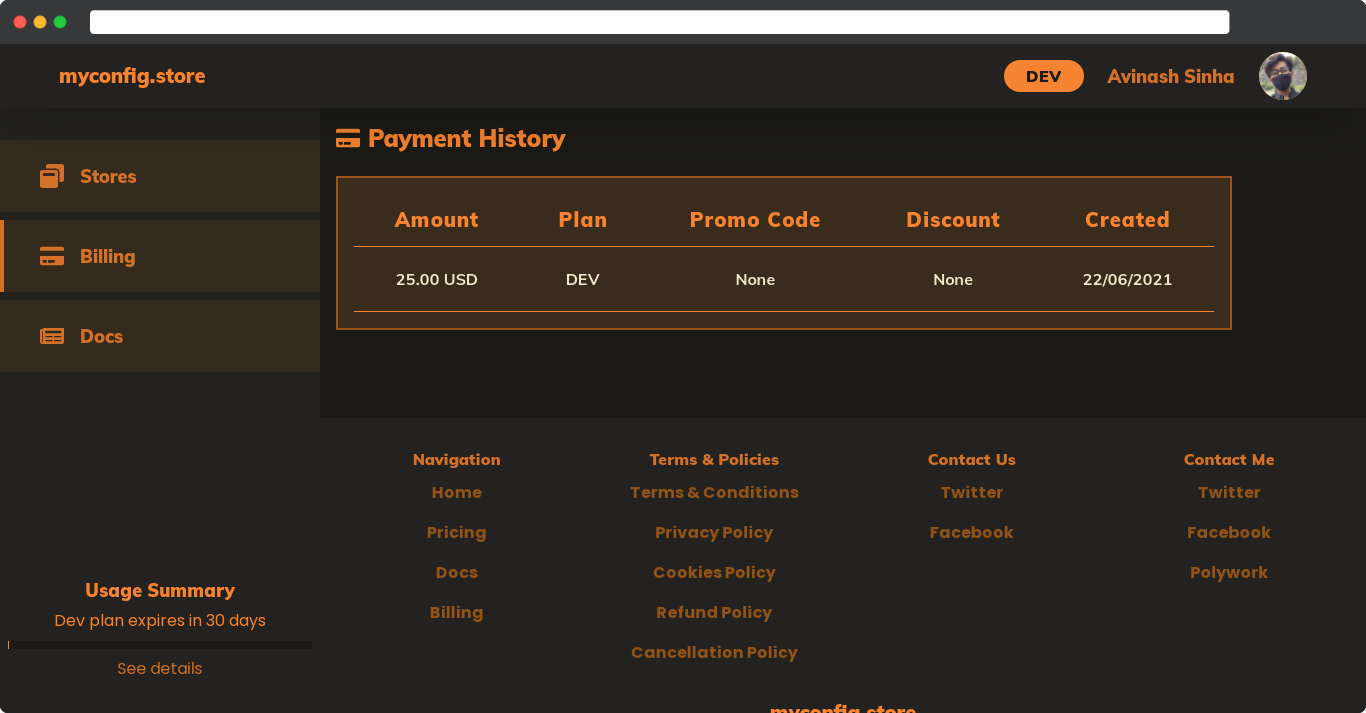
You can see your payment history by going to the payment page.